
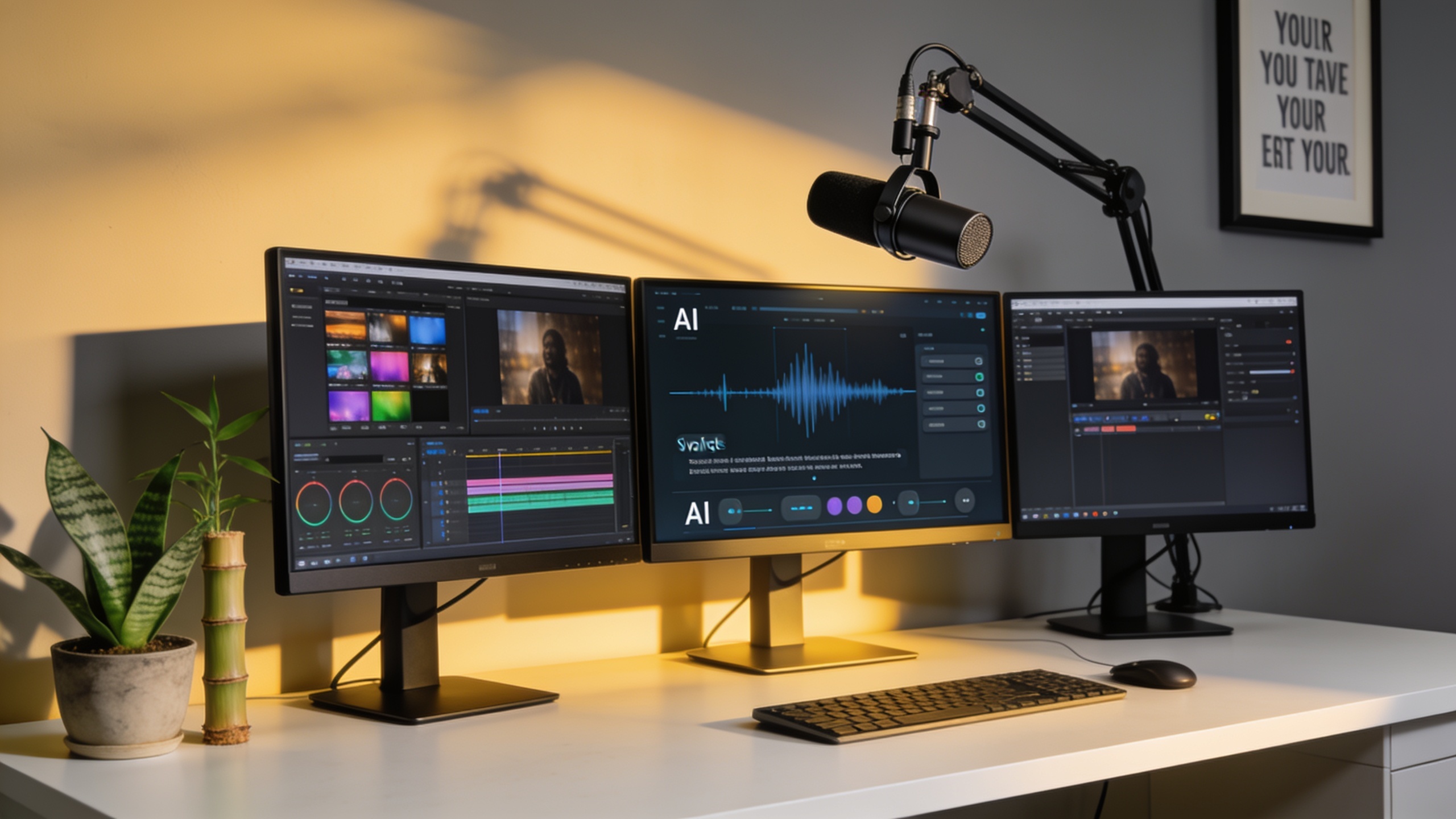
A few years ago, if you'd told me a solo YouTuber could narrate an entire video without touching a microphone, or that a podcaster could spit out an episode in five languages before lunch, I'd have raised an eyebrow. Now? It's just Tuesday. AI voice has gone from a party trick to something creators reach for every single day, and it's snuck into just about every corner of the production process. Below I've laid out the ten most common (and a few genuinely clever) ways people are using these tools right now, plus what actually matters when you're picking one.
Table of Contents
What Is AI Voice for Content Creators?
AI voice for content creators is software that turns written text (or a short clip of someone's real voice) into natural-sounding spoken audio, no voice actor or studio booking required. That's really it. Under the hood it comes down to two things. There's text-to-speech, or TTS, which reads a script aloud using a synthetic or pre-built voice. And there's voice cloning, which takes a short sample of a specific person's voice and builds a digital copy that can then "speak" anything you throw at it.
Why do creators care? Instant narration, for one. No begging a voice talent to fit you into their schedule. And the ability to publish in languages you couldn't order coffee in, let alone narrate a documentary. If all of this is new to you, What Is AI Voice Generation? A Beginner's Guide 2025 walks through the guts of it, neural TTS, cloning pipelines, the whole thing, without drowning you in jargon. Tools like Tarang stack all of this into one place: cloning, TTS, a voice library, and voice separation across 100+ languages. Which beats duct-taping four different apps together, trust me.
10 Real Ways Content Creators Use AI Voice Tools
Creators aren't using AI voice for one narrow job anymore. It touches nearly every stage of production, from that rough first script to the final multilingual drop. So here are the ten uses that come up over and over, based on how people are actually building their workflows.
1. YouTube Video Narration
Tons of YouTubers, especially in the explainer, faceless-channel, documentary, and tutorial world, now let AI narrate the whole video instead of recording their own voiceover. This is a lifesaver if you run several channels or publish daily. Re-recording narration every single time you tweak a script? Soul-crushing. With TTS you edit the script, regenerate the audio, and drop it into your timeline in a couple of minutes. Done.
2. Podcast Production and Editing
Podcasters lean on AI voice in two main ways. First, knocking out intros, outros, and ad reads without booking studio time. Second, cleaning up recorded episodes. Voice separation is the quiet hero here. Being able to yank a clean vocal track out of a mixed recording, or rebuild an intro bed under your narration without re-recording the whole segment, is the kind of thing you don't appreciate until you've spent an hour fighting with a muddy audio file.
3. Audiobook Narration
Indie authors and small publishers are turning to AI narration for a simple reason: hiring a pro to record an entire manuscript is expensive, sometimes eye-wateringly so. A cloned or library voice will hold the same tone across forty chapters without breaking a sweat. Try getting that consistency out of a human narrator recording over multiple sessions spread across weeks. Their voice drifts, they get a cold, they sound tired on chapter 30. AI doesn't have those problems.
4. Voice Cloning for Personal Branding
Some creators want every piece of content to sound like them, even the stuff they didn't personally record. So they clone their own voice and reuse it. According to Tarang's product description, its voice cloning feature can spin up an "ultra-realistic vocal replica from just a few seconds of audio," which you can then point at any future script. No fresh recording session required. This is huge for people who batch-produce content weeks ahead but still want the narration to sound like they sat down and read it that morning.
5. Multilingual Content Localization
Reaching audiences outside your own language used to mean hiring local talent in every single market. Now you generate the same script in dozens of languages from one source file. Tarang supports TTS and voice cloning in more than 100 languages, and here's where it gets interesting, that includes widely spoken regional Indian languages like Hindi, Gujarati, Marathi, Tamil, Telugu, Bengali, Kannada, and Malayalam. That's regional depth a lot of the big global platforms just don't bother with. It also does cross-lingual cloning, so you can record a sample in one language and generate speech in another while keeping your voice's tone and character intact. Kind of wild when you first hear it.
6. Character and Game Voice Acting
Indie game devs and interactive fiction folks use AI voice libraries to give a whole roster of NPCs distinct voices without contracting an entire cast. A voice library is basically a curated menu of pre-built voices with different genders, tones, and personalities. So a two-person studio can hand a unique voice to every character type, a "warm" narrator here, a "deep" antagonist there, and iterate on dialogue fast while the game's still in flux. That flexibility during development is worth a lot.
7. Social Media Shorts and Reels
Short-form on TikTok, Reels, and Shorts lives and dies on turnaround speed. You slap narration over a trending clip and post it before the trend cools off. AI voice lets you generate a quick voiceover, try a couple of different tones or pacing options, and publish in the same sitting. Good luck getting a human voiceover artist to do that for every 30-second clip you make.
8. E-Learning and Course Narration
Online course creators use AI narration to voice slide decks, tutorials, and explainer modules, and it really pays off when a course has hundreds of little video segments. The output stays consistent, and when you inevitably catch a typo or update a lesson, you just regenerate that segment instantly. No re-booking a narrator, no waiting around. Anyone who's built a course knows updates never stop coming.
9. Dubbing and Audio Translation for Existing Video
Instead of slapping subtitles on a video, some creators re-voice the whole thing in another language so international viewers get a native-sounding audio track. Pair that with voice separation to strip out the original vocals and isolate the background music and sound effects, and you can layer a freshly generated, translated voiceover cleanly on top of what's already there. It's not perfect every time, but when it works it's genuinely impressive.
10. Rapid Prototyping of Scripts and Ad Reads
Before locking in a final voice actor or blowing money on a recording session, plenty of creators and small businesses run a script through AI voice just to hear how it sounds out loud. Pacing, tone, length, all the stuff that reads fine on the page but falls apart when spoken. With fine-tuning controls for pitch, speed, and tone, you can rework a script five times in an afternoon instead of scheduling five paid sessions with a live talent. Honestly, even if you're planning to hire a human for the final take, this alone is worth it.
How Much Do AI Voiceover Tools Cost?
There's no single price for AI voiceover tools, because the market's all over the place: free tiers, subscriptions, and usage-based pricing, with costs swinging wildly depending on the platform, voice quality, and how many languages you need. So instead of chasing a magic number, it's smarter to understand the pricing models you'll actually run into.
A lot of these tools go the freemium route. You get a limited amount of free generation or a capped number of voice clones per month, and paid tiers unlock more usage, more voices, or commercial licensing. Others charge per minute of audio or per character of input text, which sounds cheap until you're narrating an audiobook or a full-length course and the meter starts spinning. And then there's the enterprise stuff aimed at studios and agencies, with custom pricing for dedicated cloning, API access, and higher throughput.
Tarang's own site says its voice generation, TTS, cloning, voice library, and separation features are available "in 100+ languages for free," which matters a lot if you just want to kick the tires on multilingual narration before committing to a real production. That said, always check the platform's current pricing page yourself. Usage limits and tiers change, and marketing copy has a funny way of lagging behind reality.
AI Voice vs. Traditional Voiceover Production: A Side-by-Side Look
AI voice and traditional human voiceover are solving the same problem, turning a script into spoken audio, but where the effort goes is completely different. The old way means casting an actor, booking studio time, and grinding through rounds of recording and revisions. AI voice shifts all that effort into the editing chair. You write, generate, listen, regenerate, all in one session, in your pajamas if you want.
| Factor | Traditional Voiceover Production | AI Voice for Content Creators |
|---|---|---|
| Turnaround time | Days to weeks (casting, scheduling, recording) | Minutes per script draft |
| Script revisions | Requires re-booking talent and re-recording | Instant regeneration from updated text |
| Multilingual output | Separate voice actor needed per language | Single tool can generate/clone across 100+ languages (varies by platform) |
| Consistency across long projects | Depends on actor availability and vocal fatigue over sessions | Consistent tone across unlimited output once a voice is set |
| Emotional nuance and live direction | Human actor can adjust in real time to direction | Depends on the platform's emotion/tone controls; improving but still software-driven |
| Upfront cost for short projects | Often higher due to studio/talent fees | Often lower, especially with free or freemium tiers |
| Ownership of a "signature" voice | Actor owns their voice; usage terms negotiated per project | Creator can clone their own voice for repeated reuse |
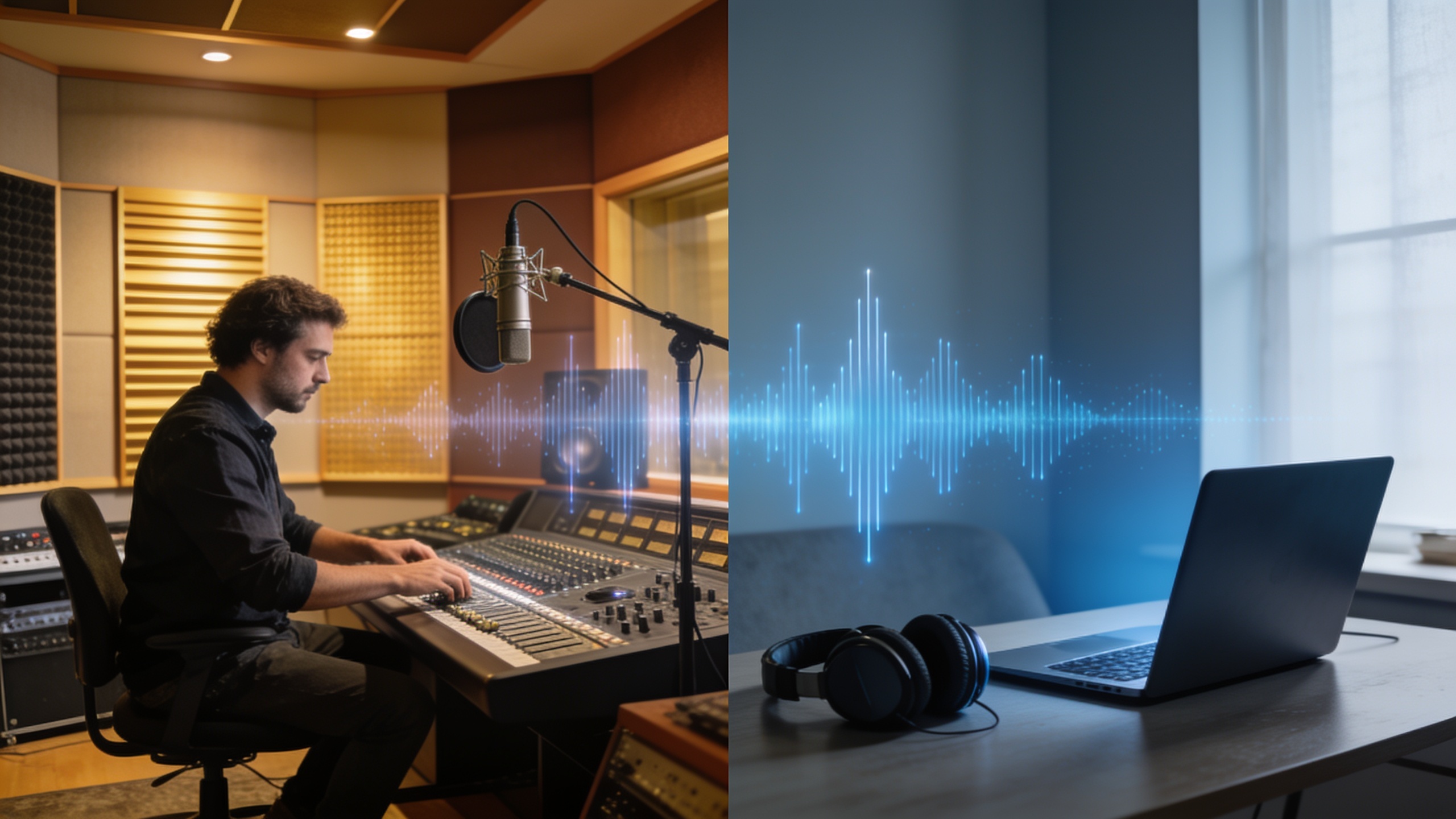
Neither one wins across the board, and anyone telling you otherwise is selling something. A skilled human narrator still brings a level of live, nuanced performance that's hard to beat for the high-stakes stuff, feature audiobooks, big brand campaigns. But when speed, endless iteration, and multilingual scale matter more than one flawless take? AI voice runs away with it.
How to Choose the Right AI Voice for Content Creators
The right AI voice for content creators really comes down to three questions: how many languages do you need, do you want your own cloned voice or a library voice, and how much fine-tuning control does your content actually require? Nail those three answers up front and you'll cut the field down fast.
Language Coverage
If your audience is spread across regions, check exactly which languages a platform covers, and I mean exactly. Not just "does it do English," but does it handle the specific regional language you need. This is where a lot of tools quietly fall short. Tarang lists support for over 100 languages, with named coverage of regional Indian languages like Hindi, Gujarati, Marathi, Tamil, Telugu, Bengali, Kannada, and Malayalam, right alongside the usual suspects: Spanish, French, German, Japanese, Chinese, Korean, and Arabic.
Voice Cloning vs. Voice Library
Figure out whether you want to clone your own voice for a consistent personal brand, or whether a pre-built library voice does the job (great for characters, brand narrators, or anonymous explainer content). Tarang gives you both. There's a voice library stocked with presets, described on its site with examples like a "warm" female voice or a "deep" male voice, and a cloning feature that builds a reusable voice profile from just a 20 to 30 second sample.
Fine-Tuning Controls
Look for controls over pitch, speed, and tone, otherwise your output ends up sounding flat and weirdly mismatched to whatever mood you're going for. Nothing kills a video faster than a chirpy voice reading a somber script. Tarang's voice creation feature lets you fine-tune pitch, speed, and tone specifically so the voice fits the script or brand in front of it.
Voice Separation for Editing Flexibility
If you work with existing recordings, remixing podcast segments, translating video, salvaging noisy audio, then voice separation (splitting vocals from instrumentals or background noise) is one of those features that's easy to skip right past when you're comparing tools, and then genuinely useful the moment you need it. Tarang describes this as studio-grade audio splitting that pulls vocals and instrumentals apart from an original mix.
Getting Started: A Simple Voice AI Workflow
Getting started with AI voice usually runs through four steps: prep a voice sample or script, train or pick a voice, generate and review the audio, then export the final file. Knowing the sequence ahead of time keeps your expectations realistic about how fast you can actually go from idea to finished audio.
Tarang lays its own process out this way. First, "Research & Prep," where an uploaded sample (roughly 20 to 30 seconds of clean audio) gets cleaned, segmented, and transcribed. Second, "Clone & Train," where it builds a reusable voice profile matching your timbre. Third, "Generate & Review," where the script gets synthesized with emotion control and you preview it before locking anything in. And fourth, "Download & Export," where you get the finished narration as a studio-quality MP3 or WAV. This kind of structured pipeline is pretty standard across the serious voice AI platforms, even if everyone slaps different labels on the steps.
And if terms like "neural voice," "cloning," or "text-to-speech" still feel fuzzy, do yourself a favor and step back to What Is AI Voice Generation? A Beginner's Guide 2025 before you commit to a specific platform. Understanding how the machinery works makes it way easier to judge whether a given tool's quality and language support will actually hold up for your projects.
FAQ
Is AI-generated voice actually good enough for professional YouTube or podcast content?
For a lot of formats, explainer videos, tutorials, faceless-channel narration, podcast intros and outros, AI voice has gotten good enough that plenty of creators use it as their main narration method. But quality still leans heavily on the platform, the voice you pick, and how well the script is written to be spoken (which is a real skill, by the way). So test a tool on your actual script before you commit it to a whole project. Don't just trust the demo reel.
Can I clone my own voice and have it speak other languages?
Yep, on platforms that support cross-lingual cloning. Tarang, for one, says a voice recorded in one language can generate speech in any of its 100+ supported languages while keeping the voice's tone and emotional character. Really handy if you're localizing content and don't fancy re-recording in every target language.
What's the actual difference between text-to-speech and voice cloning?
Text-to-speech converts written text into speech using a synthetic or pre-built voice that isn't modeled on any specific person. Voice cloning builds a digital replica of one particular person's voice from a short sample, so new scripts sound like that person talking. You reach for cloning when personal branding or a consistent signature voice matters. TTS is the go-to for character voices, general narration, or anonymous explainer content pulled from a voice library.
Do these tools handle regional or less common languages, or just the big world languages?
Depends entirely on the platform, and the range is huge. Some tools crush it on English, Spanish, and Mandarin but flop the second you need a regional language. Others, Tarang included, explicitly list regional Indian languages like Gujarati, Marathi, Odia, and Punjabi next to the globally common ones. My advice: always dig into the platform's actual language list instead of trusting a splashy "100+ languages" banner to cover the exact language or dialect you need.
Do I need audio editing experience to use these tools?
Nope, not really. Most modern AI voice platforms are built for people with zero technical background: type or paste your script, pick or clone a voice, generate, download. Some familiarity with basic editing software helps if you need to sync narration tightly to video or mix it with music, but the voice generation part itself is designed to be beginner-friendly. You'll be fine.
So whether you're narrating your hundredth YouTube video, localizing a podcast for a new region, or voicing a whole cast of game characters on a solo-dev budget, AI voice has quietly become a standard part of the creator toolkit rather than some shiny novelty. My honest suggestion for a next step? Grab one script you're already working on, run it through a platform like Tarang, and judge the output against your own bar. That'll tell you more in ten minutes than any feature list ever will.